
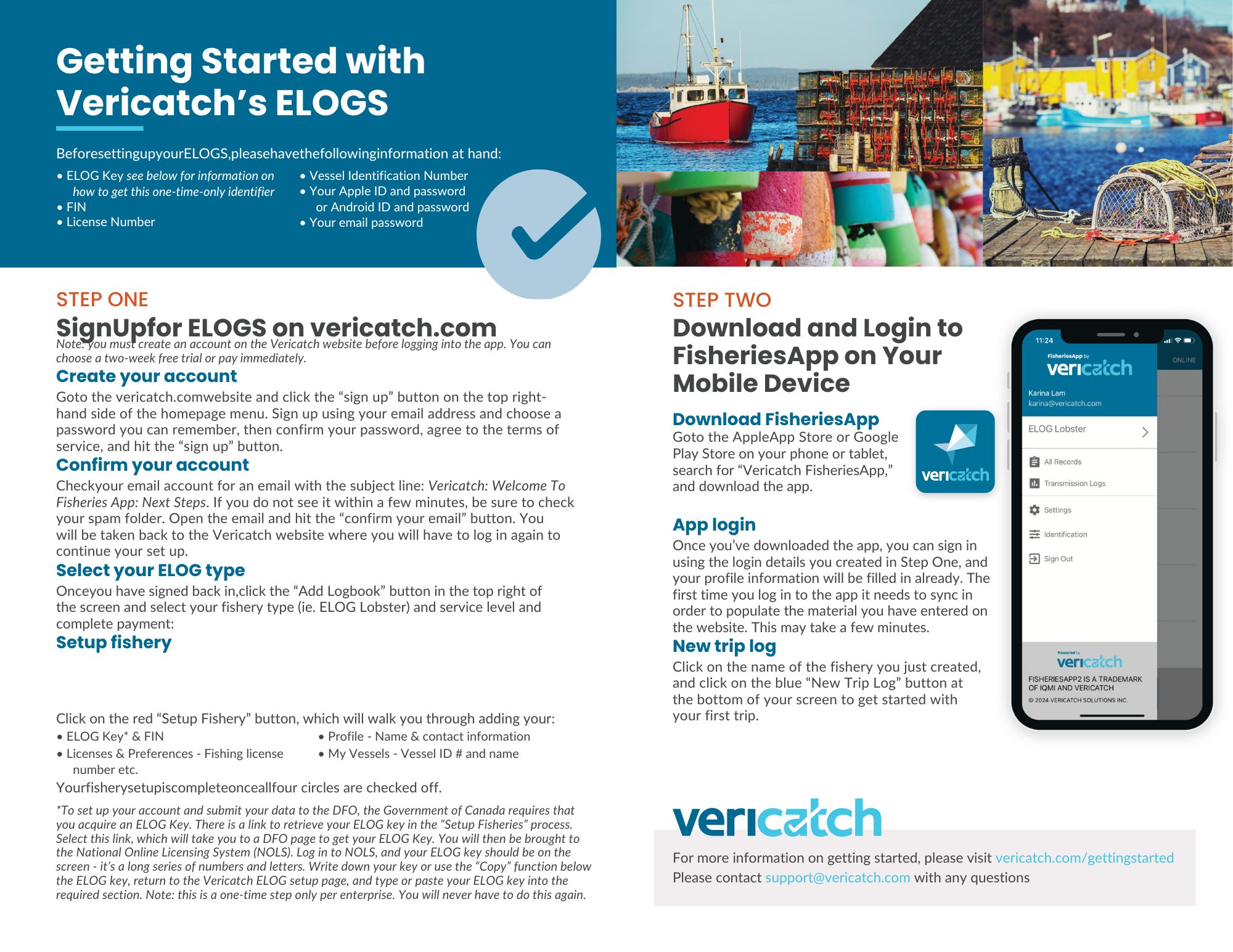
It’s easy to get started when you sign up for our ELOGS, here’s how:
Step One: Sign Up on Our Website
- Create your account on the vericatch.com website. You must create an account before using the mobile app.
- Confirm your account via the email we send you.
- Select your fishery type and service level; you can trial the software for free for two weeks before you switch to a paid account.
- Click on the red “Setup Fishery” button (or refer to the videos below for additional support) which will walk you through the process of adding your:
- ELOG Key* & FIN
- Licenses & Preferences – Fishing license number etc
- Profile – Name & contact information
- My Vessels – Vessel ID # & name
Step Two: Download and Login to our App on Your Mobile Device
Note: please set up your account on our website before you login to FisheriesApp2. Our ELOGs work on both Apple and Android devices with the following operating systems:
- iPhones or iPads running iOS 13 and up
- Android phones or tablets running Android OS 11 (Red Velvet) and up
If you can’t use our app on your device, you may need to update your operating system or upgrade your device, depending on its age.
- Download our free FisheriesApp from the Google Play App Store or the Apple App Store. Follow these links or search for “Vericatch FisheriesApp” on your preferred app store.
- Once you’ve downloaded the app, you can sign in using the account details you created in Step One.
*ELOG Key:
In order to submit your data to the DFO, the Government of Canada requires that you create a unique ELOG Key.
If you don’t have one already, there are two methods to generate an ELOG key, both described in detail on the DFO website found here.
- Option 1) Use a secure sign-in partner (such as your online banking sign-in, which you may have used to sign in to other government websites in the past.)
- Option 2) Using a GCkey.
Using a secure sign-in partner (Option 1) is our suggested method.
Here are other resources to help you get started:
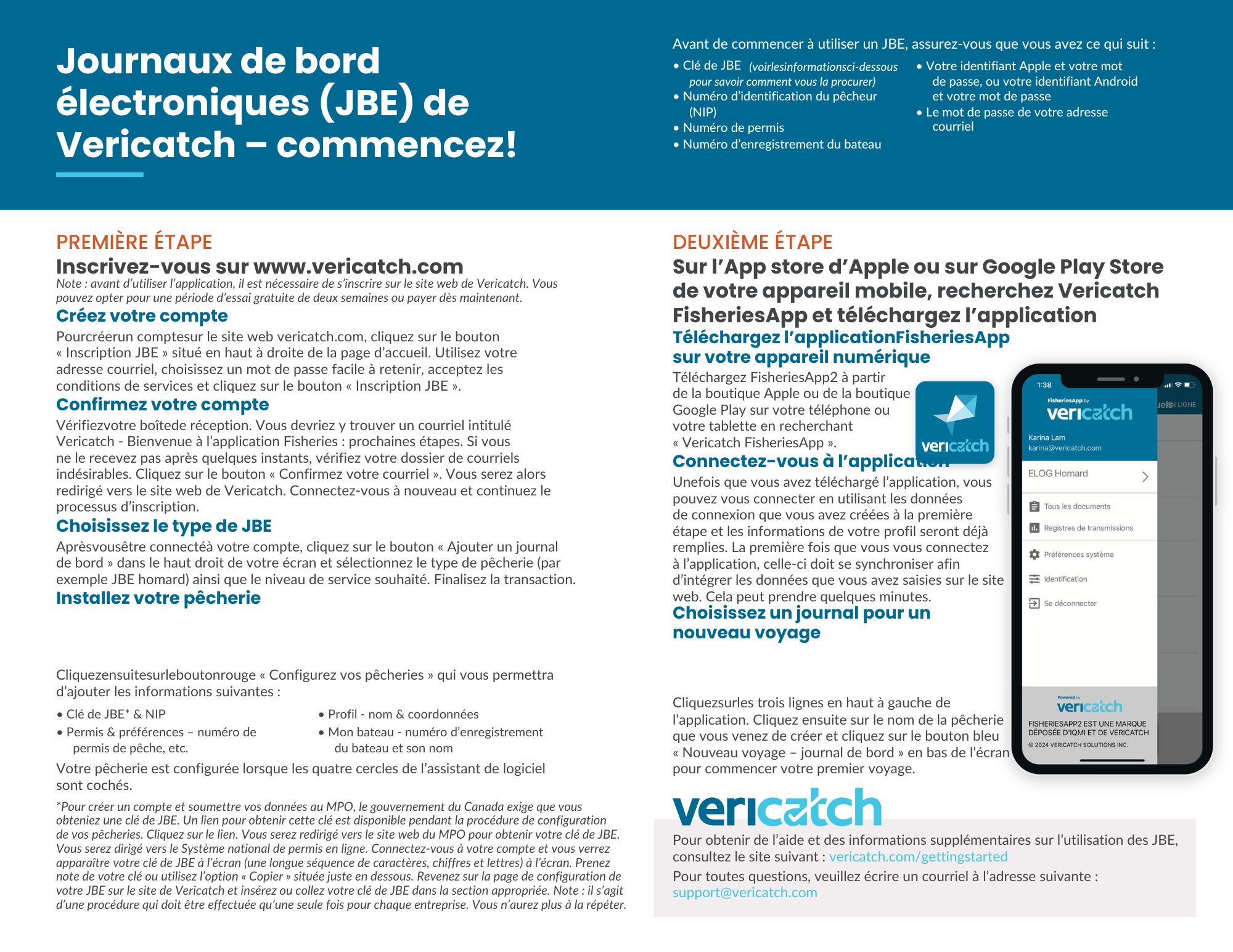
Our Getting Started Brochure that walks you through the process of signing up and setting up your ELOG in English and French.
We have a full library of videos in English and French to help you get set up and get going:
English Videos
- How to Sign up for Vericatch ELOGS
- How to Create and Pay for your Fishery
- How to Setup FisheriesApp Electronic Logbooks with Setup Guide
- How to Change Language
- How to Fill in Records and Transmit Records to the DFO on Web with Setup Guide
- How to Download FisheriesApp2 on Mobile
- How to Refresh FisheriesApp2 on Mobile
- How to Change Settings, Add FIN & ELOG Key on Mobile
- How to Fill in and Transmit Records to the DFO on Mobile with Setup Guide
French Videos
- Comment s’inscrire pour Vericatch JBE
- Comment créer une pêcherie
- Comment payer
- Comment ajouter des bâtiments
- Comment configurer votre profil
- Comment configurer les préférences pour la pêcherie
- Comment changer de langue
- Comment remplir les documents et transmettre les JBE au MPO sur le site Web
- Comment télécharger FisheriesApp2 sur un appareil mobile
- Comment rafraîchir FisheriesApp sur un appareil mobile
- Comment modifier les préférences, ajouter le NIP et la clé de JBE sur un appareil mobile
- Comment remplir les documents sur l’application mobile
You can also find our user manuals here.
We also have a full set of getting started videos in the following languages: