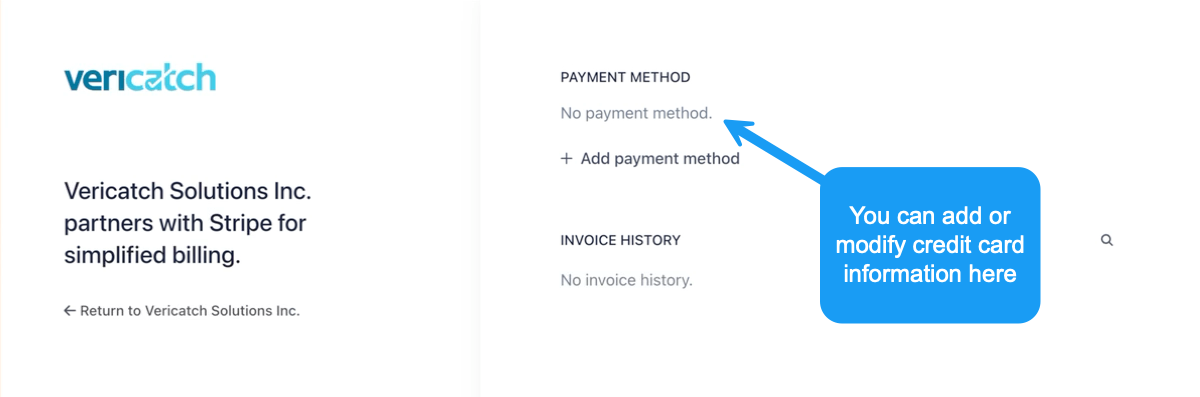
Payment has to be made on the web version of our software on your laptop or mobile, access the web version via a browser like Chrome, Safari or Firefox and NOT on the mobile app.
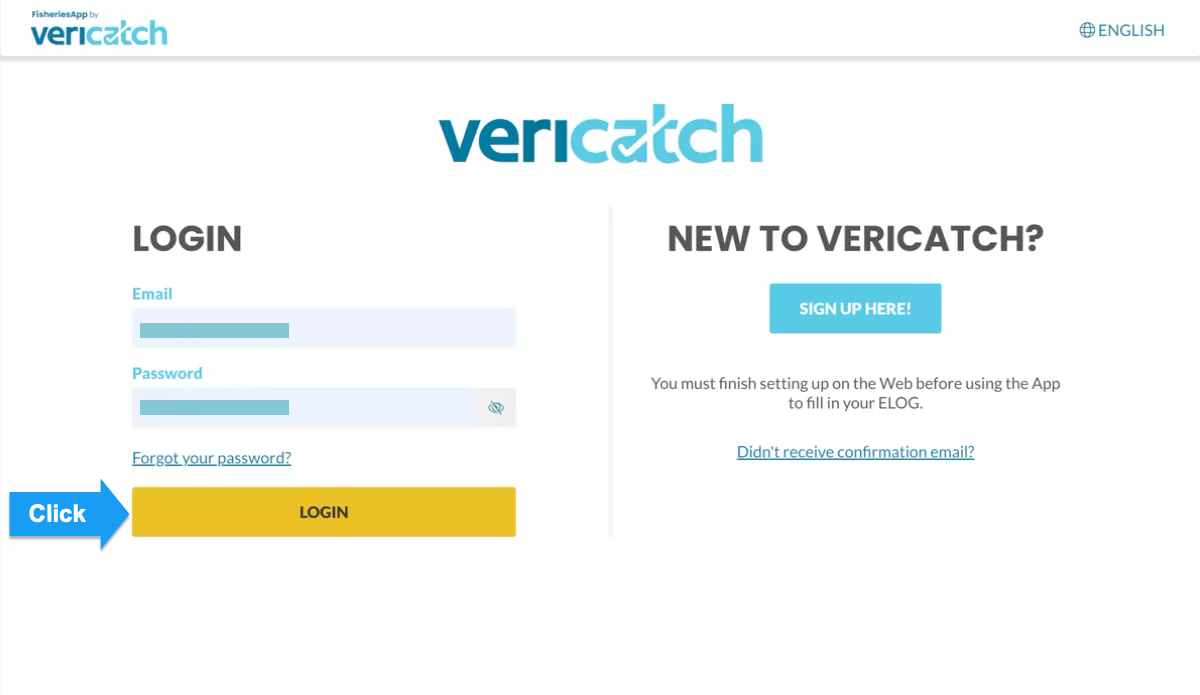
Log in to FisheriesApp via your browser ( e.g. Chrome, Safari or Firefox)
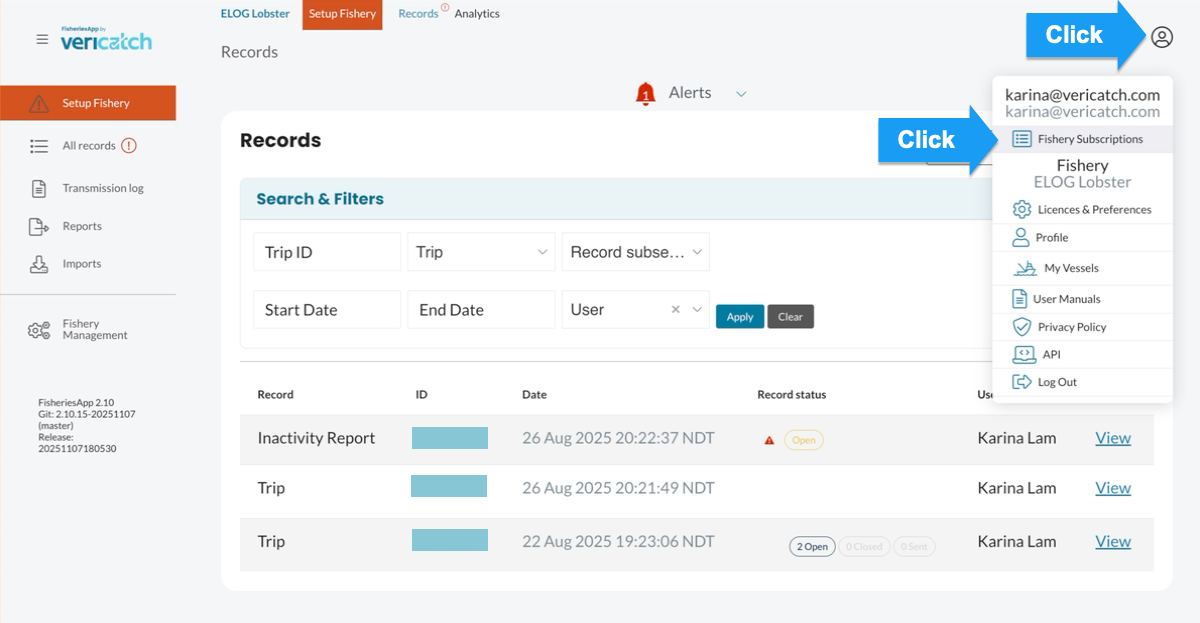
Head to the Profile icon – Fishery Subscription
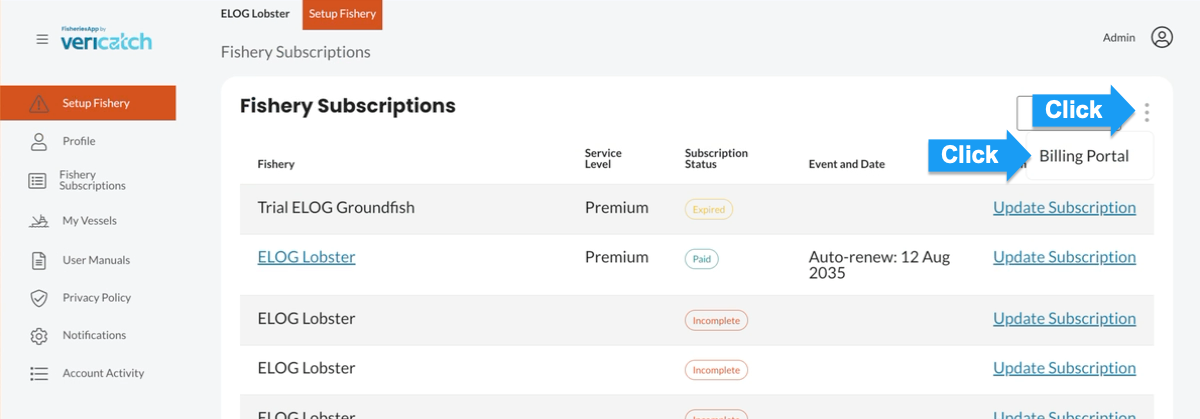
Click on the 3 dots – billing portal
Add or change existing payment methods under payment method.